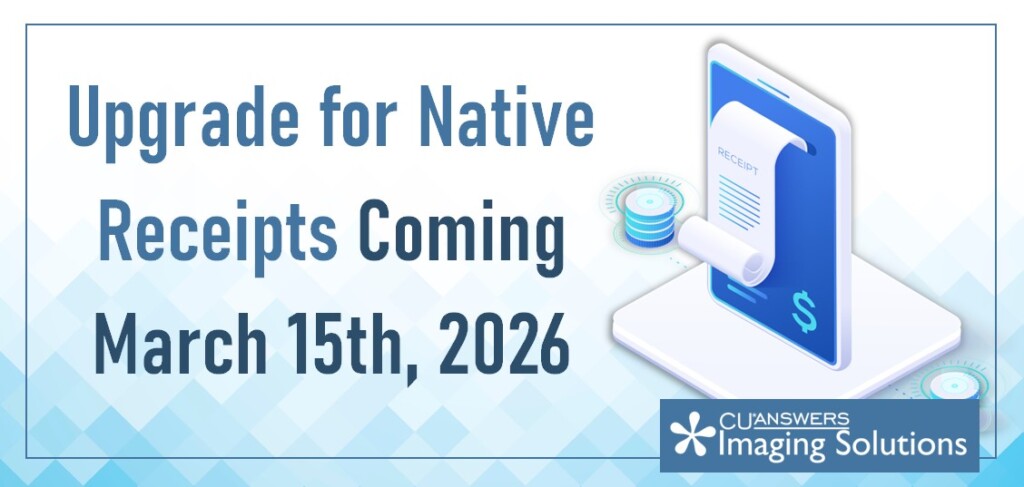
A Native Receipts update is arriving on March 15th, 2026! This update introduces a more robust mechanism to support future beta releases, allowing us to test and deploy new features much faster.
Since the legacy update mechanism (GOLD) has been retired, please review the details below to ensure your system is ready for the transition on March 15th. For the most part, this update should take place without clients noticing. Below are some details on the new update process.
⚙️ How the New Update Mechanism Works
The new system is fully automated and managed via Windows Task Scheduler. To ensure you always have the latest features, the update task triggers at two specific points:
- Daily: Every morning at 2:00 AM.
- Login: Every time a user logs into the PC.
🛠️ Troubleshooting & Configuration
To ensure a smooth transition, please verify the following on your local machines:
Verify the Task: Check Windows Task Scheduler for the Native Receipts Update task. Note: If this task is missing, please reinstall CBX using the most current installer.
Antivirus Permissions: To prevent service interruptions, ensure your antivirus software is configured to allow and trust the following executable: C:\Program Files (x86)\cuasterisk\Native Receipts\NativeReceiptsUpdater.exe
If you run into any issues with the Native Receipts upgrade, simply reinstall Native Receipts from the CBX installer associated with your credit union:
- CBX Prod1 – https://cbx-updates.cuanswers.com/Updates CUBASE/InstallSuite/Prod1/CBX Install Suite Prod CBX1.exe
- CBX Prod2 – https://cbx-updates.cuanswers.com/Updates-CUBASE/InstallSuite/Prod2/CBX Install Suite Prod CBX2.exe
- Site-Four – https://cbx-updates.cuasterisk.com/Updates-Site-Four/InstallSuite/Prod/CBX Install Suite Prod Site-Four.exe
If you need further assistance, please reach out to Network Services at helpdesk@cuanswers.com or (800) 327-3478 x266.