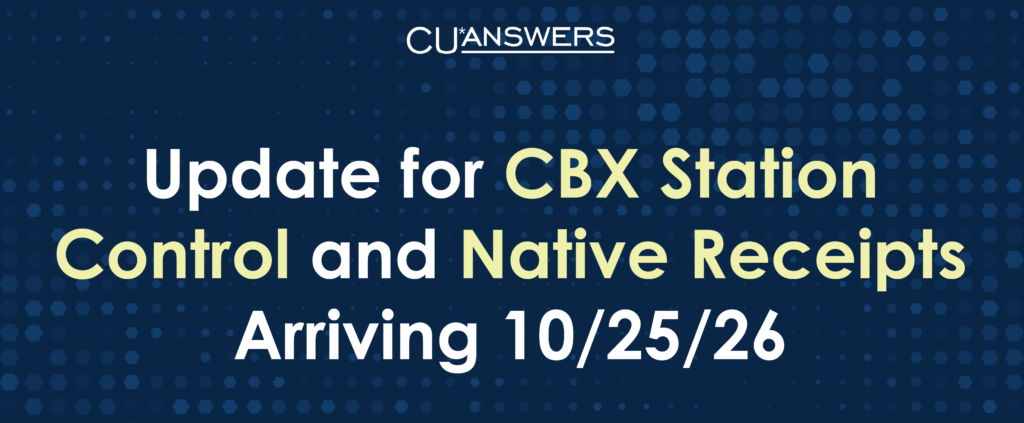
Automatic update coming Sunday, Oct 25
CBX Station Control and Native Receipts will update on their own this Sunday. Check your workstations Monday morning to make sure the update installed.
UPDATE INSTALLS: Sun, Oct 25
YOU VERIFY: Mon, Oct 26
Using Threat Locker or similar security software? These workstations may need intervention to get the update. If you have any questions, please contact your IT team.
Step 1 – Check the installed versions
Native Receipts 1.10.4
- Right-click the Native Receipts icon in the system tray (near the clock)
- Choose Settings
- Open the Info tab
CBX Station Control 1.5.3.0
- Right-click the file below
- Choose Properties
- Open the Details tab
C:\Program Files\cuasterisk\CBX Station Control\CBXStationControl.exe
Step 2 – Wrong version? Download CBX Update and reinstall
If either app shows a different version, download CBX from your site:
CU*Answers clients: cbx-updates.cuanswers.com/Updates-CUBASE/InstallSuite/
CU*Asterisk partners: cbx-updates.cuasterisk.com/Updates-Site-Four/InstallSuite/
Still not updating? Contact Network Services at helpdesk@cuanswers.com.