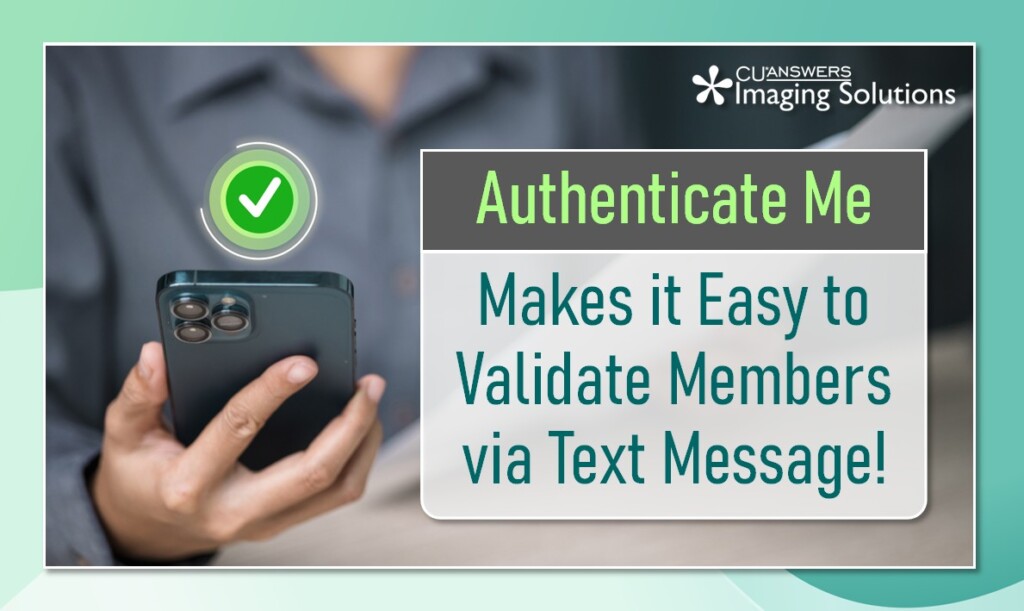
Authenticate Me allows credit union staff to validate a member’s identity using their cell phone. The Authenticate Me button is available right from CBX on standard membership screens, making it very easy to send text messages to your members!
How the Process Works
Staff can begin the process by simply clicking the Authenticate Me button. This launches the authentication screen, where staff can enroll members or quickly authenticate those who are already enrolled. Members simply receive a text and authenticate themselves via their phones; staff then receives a notification verifying their identity.
To learn more about Authenticate Me, click here to check out the user guide.
Ready to start using Authenticate Me? Click the button below to visit our online store and place your order today!