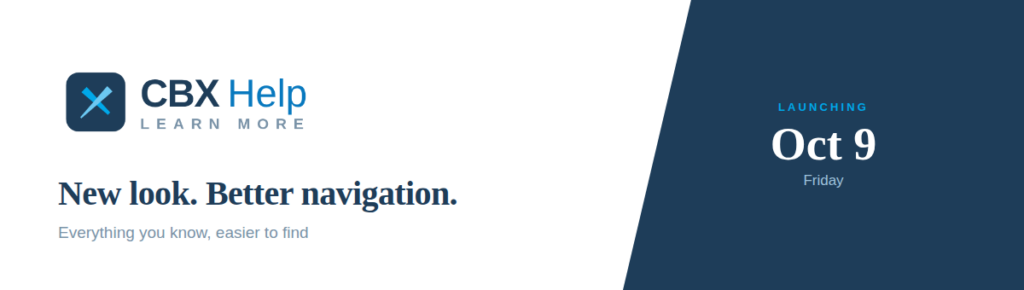
CBX Help has been refreshed with a new look and feel, as well as some new navigation features that we think your teams will love. New CBX Help will launch this Friday, October 9!
First Up: A URL Change
Gone is help.cubase.org, replaced by the new URL for CBX Help, help.cbxcore.com! We will continue to keep redirects in place while we continue to change links around our resources; however, if you bookmark help pages, it’s a great time to refresh your bookmarks with the new address. All launch points within CBX will work as expected.
Sunset of OPER Help
We’ve moved all back-office topics out of the OPER Help system and sunset that website. All OPER topics now live within CBX Help, marked by the header tag OPERATIONS at the top of the page. The same content, now searchable within CBX Help as a whole.
“In This Topic” Table of Contents
Open a longer topic and you’ll find a new In this topic panel down the right-hand side, listing that page’s sections; click any section to jump straight to it. It appears on 1,325 topics with meatier information, for easier navigation.
Related Resources
Every topic’s helpful links now live in a single Related Resources section at the bottom of the page. Each link tells you what it is before you click, with an indicator for Topic, Steps, Video, PDF, Knowledge Base, and Store.
Notes, Tips, and Warnings (Oh My!)
We’ve standardized and styled important notes, tips, and warnings! There are now 1,142 labeled callouts you can see at a glance on topics, wherever relevant.
General Cleanup for Accessibility
We’ve done a lot of background cleanup and structural changes that better allow screen readers, and third-party machine readers (AI), easier access to what is on screen.
What You Need to Do
Nothing but enjoy the new look! We do recommend updating your bookmarks as soon as you can, as the redirects are temporary throughout the end of the year. Otherwise, CBX Help is right where you expect it.